Real-time voice
Translate spoken language as the conversation unfolds.
Real-time voice translation, live subtitles and intelligent language tools. Designed to make understanding easier on iPhone and Mac.
Available on the App Store for iPhone and Mac
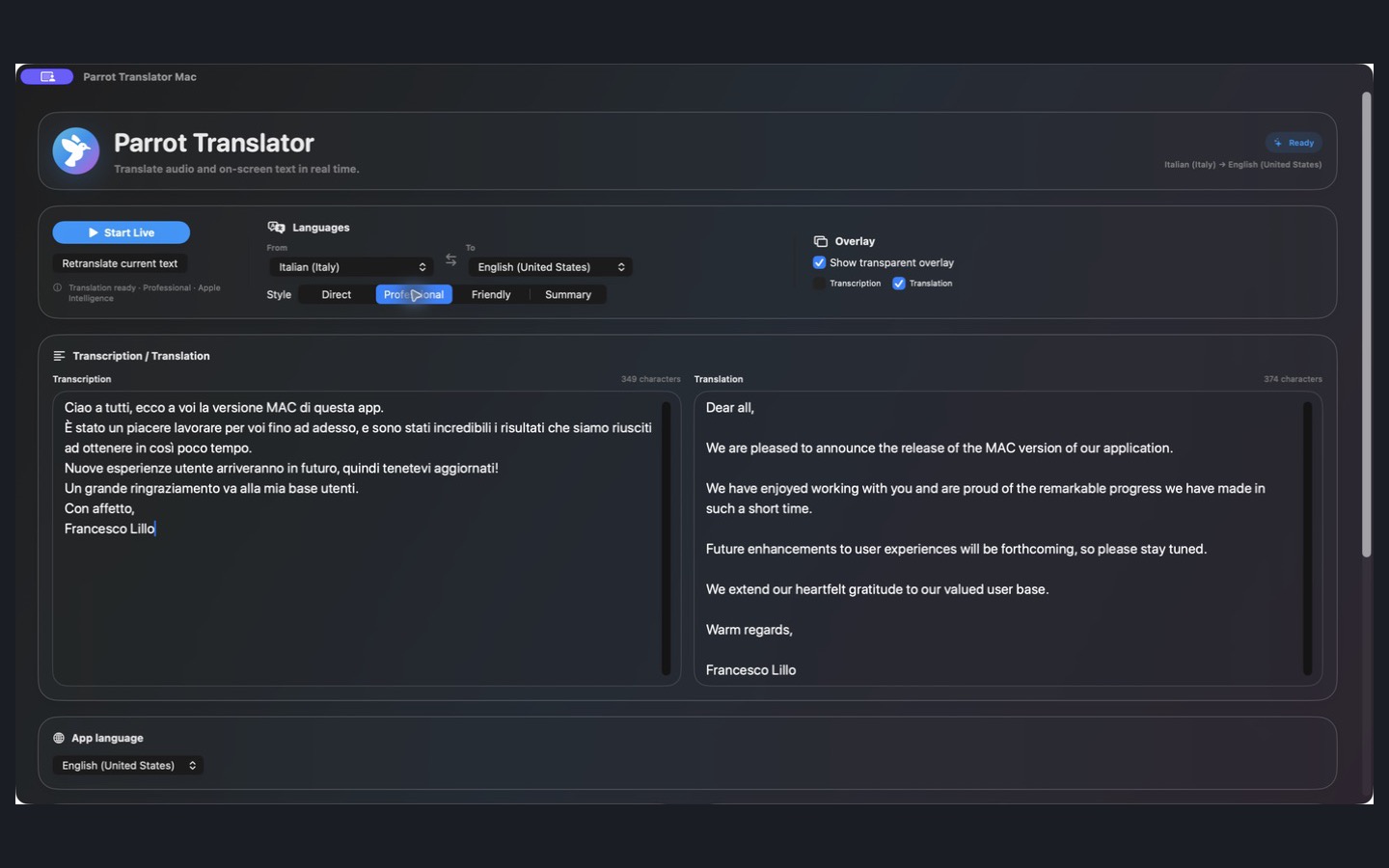
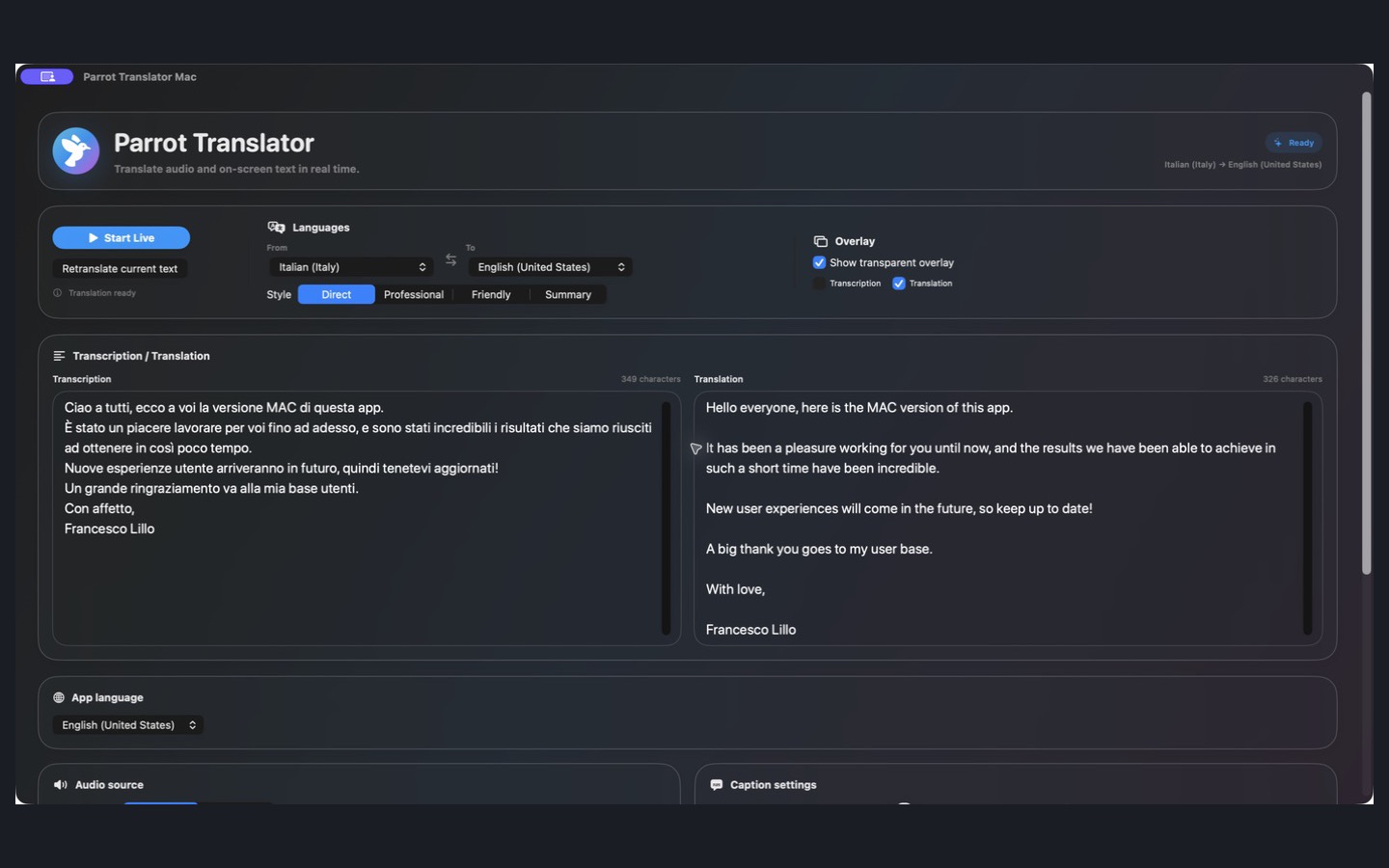
From conversations to on-screen text, Parrot brings multiple translation experiences together without clutter.
Translate spoken language as the conversation unfolds.
Follow transcription and translation with a dedicated overlay on Mac.
Use OCR translation for text captured from images or the screen.
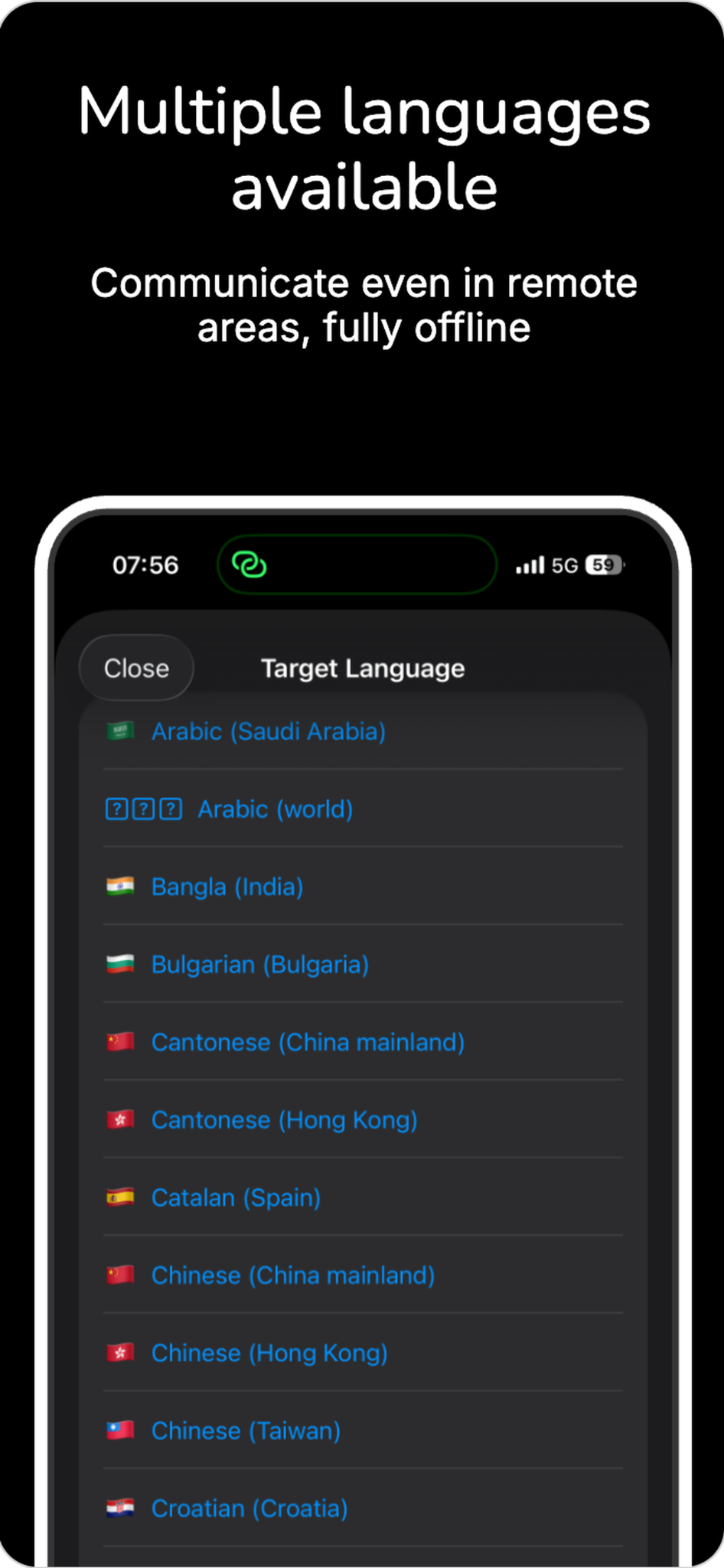
Keep translating without a network connection using supported offline modes and language resources.
Access AI-powered language features on supported Apple devices when available.
Choose a translation style, including professional phrasing, to suit the moment.
Work with original transcription and translated text side by side. Use live translation, a transparent overlay and selectable translation styles in the Mac experience.
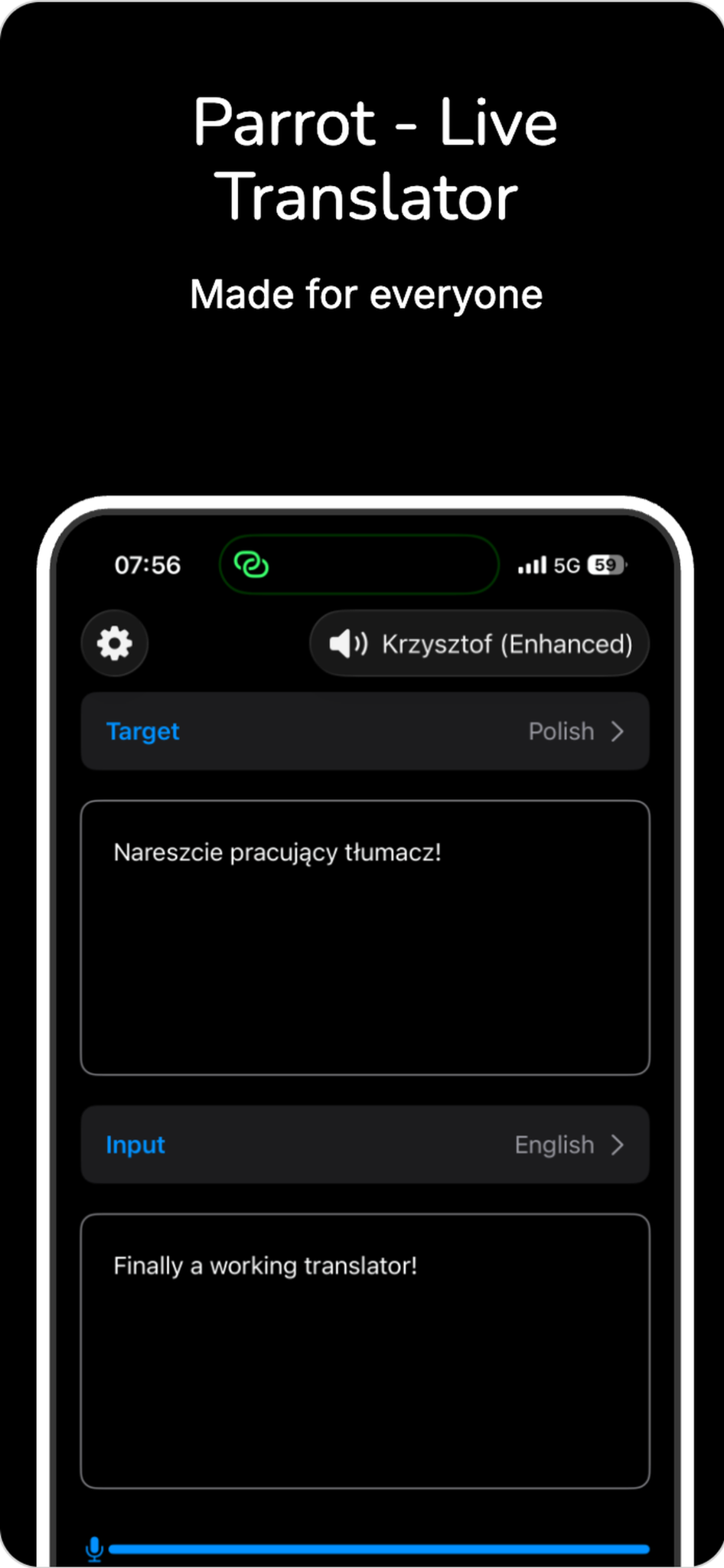
Voice translation, language selection and customizable controls in a mobile experience.
Real-time translation with a clear, two-language interface.
Explore the languages available in the app, with offline use supported.
Adjust translation preferences and audio input and output devices.
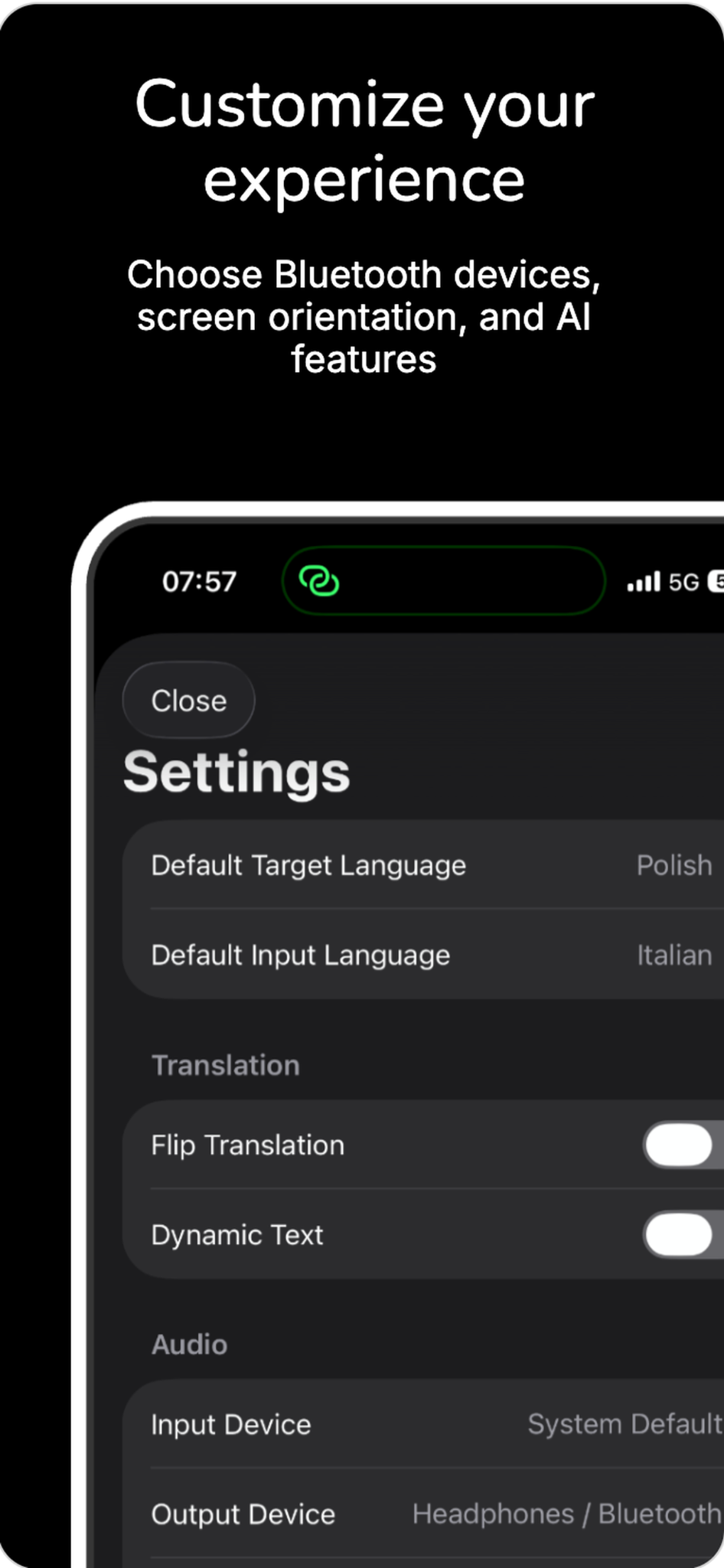
Parrot supports Apple Watch controls and Bluetooth or compatible third-party audio devices. Keep your preferred controls and audio devices close.
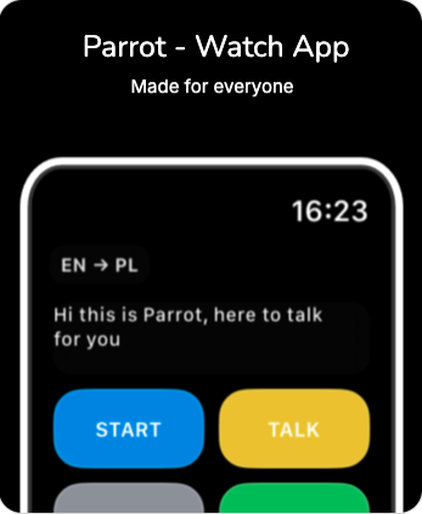
Apple Watch app
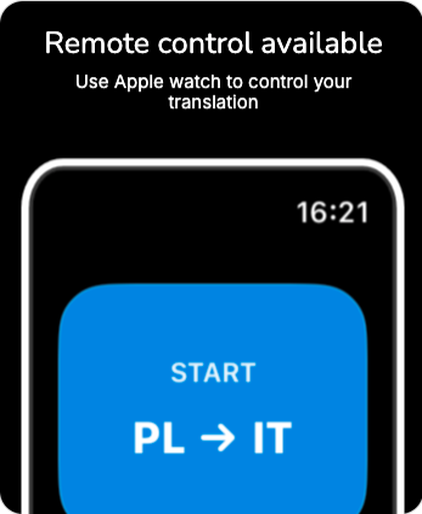
Remote translation controls
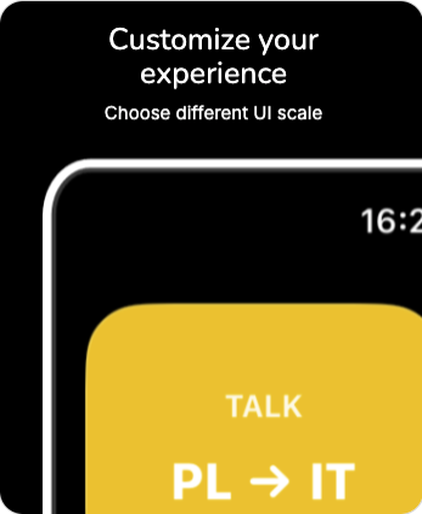
Customizable watch interface
Start on iPhone, download Parrot Translator Studio for Mac, or use Apple Watch and compatible audio accessories when they fit your setup.
Open Parrot on the App Store.
View on App Store ↗Download Parrot Translator Studio for Mac from the Mac App Store.
View on Mac App Store ↗Parrot Translator is developed by Francesco Lillo. Thank you to everyone using the app and helping it grow.
Questions or feedback? Get in touch ↗

This policy explains how Parrot – Translator handles user data.
The app does not collect any personal data or usage data, including during development.
Because the app does not collect data, no data is processed or used.
The app does not sell or share data with third parties.
No data is stored or retained.
If you have questions about this policy, contact: flillo.work@gmail.com.
We may update this policy. The “Last updated” date above will reflect any changes.